Editor Tools Color

offline

Posts

2

Likes

1

Bits Credits

0

LEVEL

0

135 XP

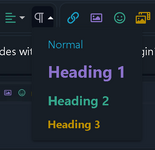
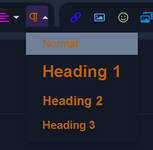
How can I reproduce this coloring with codes without installing the plugin? Are there color codes for these definitions? I want multiple colors in the drop-down menus, not just one color. My English is bad, sorry about that.

NO:
1.png

YES:
2.png
 

FateKid

Devil Did It
offline

Posts

16,225

Likes

371,308

Resources

3,061

Bits Credits

1,034

LEVEL

11

6,835 XP

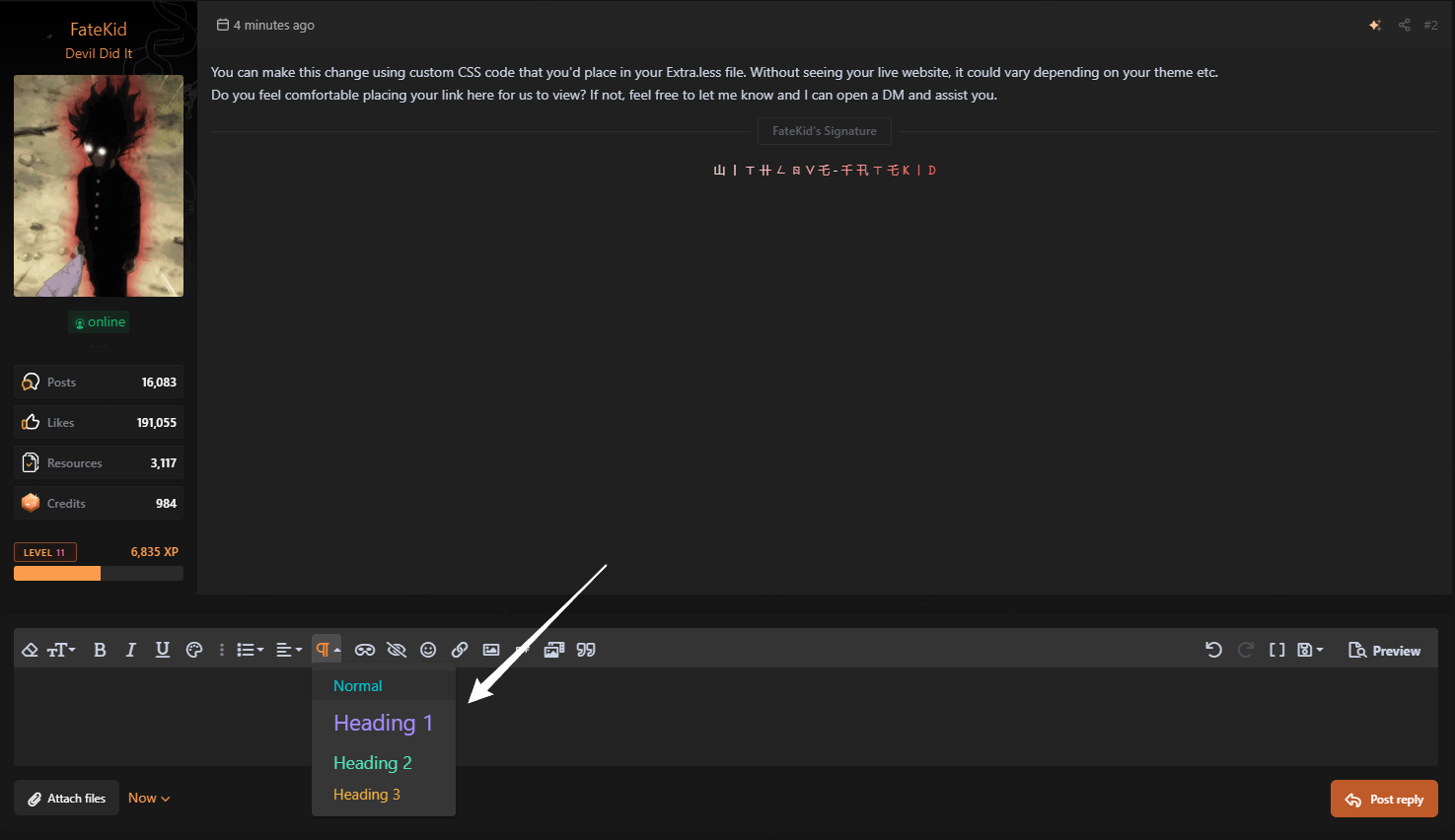
jura999, this can be achieved by targeting the content attributes of each heading, [data-param1=""].
I've provided the CSS for you below. You just need to add it into the Extra.less template located in your AdminCP backend of XenForo.

Example:
254a224a499d7ebf896f9def294f6267.png


CSS:
/* Toolbar FA Icon */
.fr-toolbar .fa-paragraph:before { color: #CCD4E5; }
/* Normal */
a.fr-command[data-param1="N"] { color: #00c9d7 !important; }
/* Heading 1 */
a.fr-command[data-param1="H2"] { color: #a68eff !important; }
/* Heading 2 */
a.fr-command[data-param1="H3"] { color: #52e3b4 !important; }
/* Heading 3 */
a.fr-command[data-param1="H4"] { color: #f5b13d !important; }
 
Liked by:
Top Bottom