
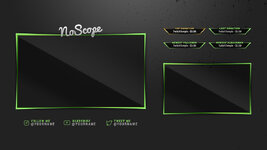
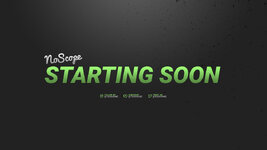
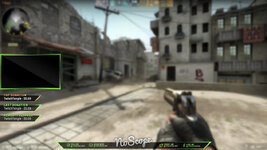
"NoScope" Stream Overlay by TwitchTemple.com (Site no longer exists)
---------------
For use with OBS Studio and XSplit Gamecaster
If you are not familiar with how to set up your new overlay with either of these streaming applications, I highly recommend checking out:
OBS Studios Tutorials by NerdOrDie -
XSplit Gamecaster - https://www.xsplit.com/gamecaster/manual/inside-the-xsplit-gamecaster-overlay#in-game-image-overlay
1. Fonts Used (not included in download)
---------------
DOWNLOAD AND INSTALL THESE FONTS if you want to match what is used in the example designs.
Roboto Condensed - https://fonts.google.com/specimen/Roboto+Condensed
Roboto - https://www.fontsquirrel.com/fonts/roboto
Pacifico (logo) - https://www.fontsquirrel.com/fonts/pacifico
---------------
For use with OBS Studio and XSplit Gamecaster
If you are not familiar with how to set up your new overlay with either of these streaming applications, I highly recommend checking out:
OBS Studios Tutorials by NerdOrDie -
XSplit Gamecaster - https://www.xsplit.com/gamecaster/manual/inside-the-xsplit-gamecaster-overlay#in-game-image-overlay
1. Fonts Used (not included in download)
---------------
DOWNLOAD AND INSTALL THESE FONTS if you want to match what is used in the example designs.
Roboto Condensed - https://fonts.google.com/specimen/Roboto+Condensed
Roboto - https://www.fontsquirrel.com/fonts/roboto
Pacifico (logo) - https://www.fontsquirrel.com/fonts/pacifico


