
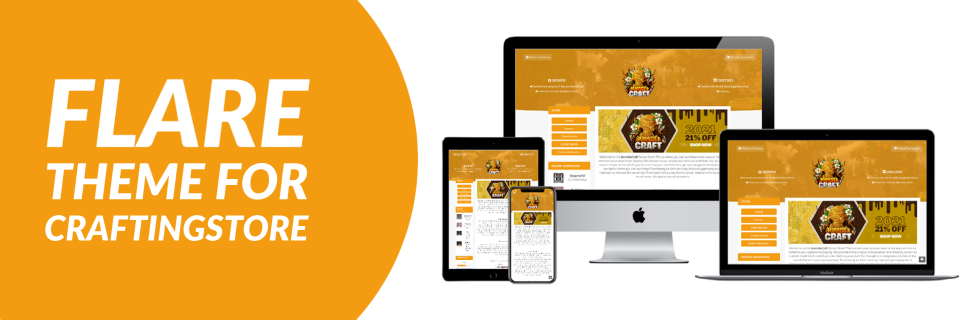
A professional theme for crafting store! Amazing design, dark + light mode, theme switcher, and more!
ATTENTION: You need SILVER PLAN or higher to use this theme!

- Amazing looking, responsive design
- Dark + light mode
- Theme switcher - let your users choose between dark and light mode!
- Easy to use settings system with 20+ settings to allow you to configure the template to your liking
- Discord status text
- Minecraft Server status text
- Optimized for fast loading
- Easy to install
- Clean, formatted code
- CHEAP!

Light Mode:

Dark Mode:


- Navigate to the crafting store dashboard
- Navigate to design -> templates
- Click "Upload Template"
- Upload the flare zip file. You can name the template whatever you want.
- Click "upload template" at the bottom
- Done!
- Navigate to the crafting store dashboard
- Navigate to design -> templates
- Click "edit" next to the template
- To edit the color, click edit on style.css (at the bottom), and change the primary color variable at the top of the file. To edit other variables, click edit on base.twig and change the variables at the top of the file.
- Navigate to the crafting store dashboard
- Navigate to design -> settings
- Under "background URL" click "choose file"
- Select your image
- Click "update design" at the bottom of the page


![[Volya] Party HUD](/data/resource_icons/11/11542.jpg?1743963115)
![[Volya] MMORPG HUD Bundle](/data/resource_icons/11/11541.jpg?1743962884)
![[Magic Store] Essential Icons Vol.1 (5,340 Icons)](/data/resource_icons/11/11540.jpg?1743962702)
